
Documentation: https://lwarode.github.io/partycoloR/
partycoloR extracts political party colors and logos from English Wikipedia party pages. Party colors play a crucial role in visually identifying political parties in data visualizations and research.
Features
- Fast lookups with bundled party data from Party Facts Wikipedia dataset (100x faster than live scraping)
- Extract party colors (HEX codes) from Wikipedia infoboxes
- Extract party logo URLs
- Handle parties with multiple colors
- Integrate with the Party Facts database for party lookups
- Works seamlessly with dplyr/tidyverse workflows
- Automatic fallback to live Wikipedia scraping for parties not in bundled data
Installation
You can install partycoloR from GitHub:
# install.packages("devtools")
devtools::install_github("lwarode/partycoloR")
Quick Start
Extract Party Colors
library(partycoloR)

# Single party
get_party_color("https://en.wikipedia.org/wiki/Democratic_Party_(United_States)")
#> "#0015BC"

# Multiple parties
urls <- c(
  "https://en.wikipedia.org/wiki/Democratic_Party_(United_States)",
  "https://en.wikipedia.org/wiki/Republican_Party_(United_States)"
)
get_party_color(urls)
#> "#0015BC" "#E81B23"
Extract Party Logos
get_party_logo("https://en.wikipedia.org/wiki/Democratic_Party_(United_States)")
#> "https://upload.wikimedia.org/wikipedia/commons/thumb/..."

# Download a logo to file
get_party_logo_by_name("SPD", country = "DEU") %>%
  download_party_logo("spd_logo.svg")
Get Both at Once
get_party_info(urls)
#> # A tibble: 2 x 3
#>   url                                                      color   logo_url
#>   <chr>                                                    <chr>   <chr>
#> 1 https://en.wikipedia.org/wiki/Democratic_Party_(Unite... #0015BC https://...
#> 2 https://en.wikipedia.org/wiki/Republican_Party_(Unite... #E81B23 https://...
Use with dplyr
library(dplyr)

parties <- tibble(
  party = c("Democrats", "Republicans"),
  wiki_url = urls
)

parties %>%
  mutate(color = get_party_color(wiki_url))
#> # A tibble: 2 x 3
#>   party       wiki_url                                               color
#>   <chr>       <chr>                                                  <chr>
#> 1 Democrats   https://en.wikipedia.org/wiki/Democratic_Party_(Un... #0015BC
#> 2 Republicans https://en.wikipedia.org/wiki/Republican_Party_(Un... #E81B23
Look Up Parties by Name
Don’t have Wikipedia URLs? Use the Partyfacts integration:
# Download Partyfacts data
pf_data <- get_partyfacts_wikipedia()

# Look up a party
lookup_party_url("SPD", country = "DEU")

# Or get the color directly
get_party_color_by_name("SPD", country = "DEU")
#> "#E3000F"
How It Works
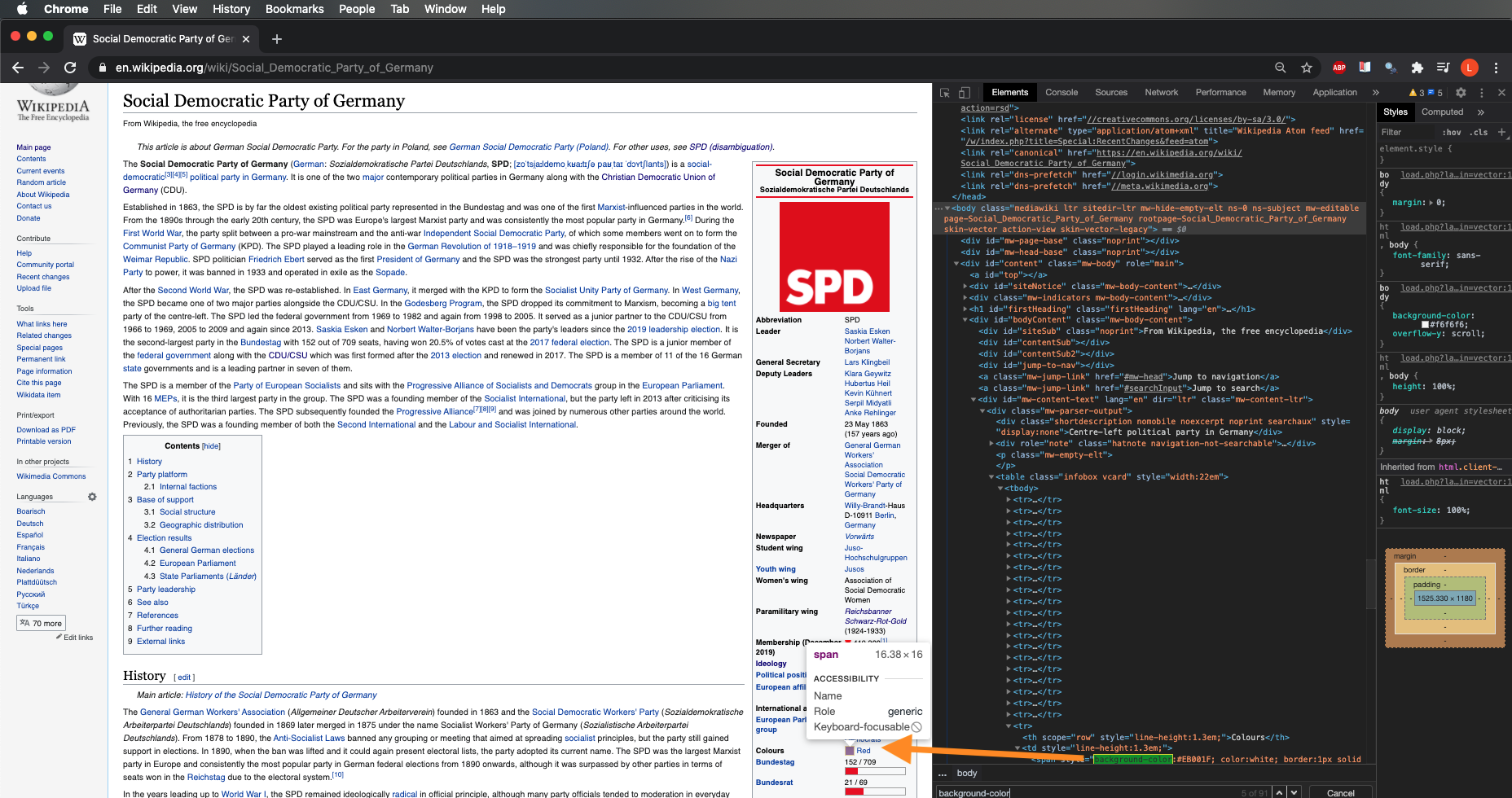
The package scrapes the Wikipedia infobox (vcard table) for party pages, extracting:
-
Colors: From
<span>elements withbackground-colorstyle attributes - Logos: From the infobox image cell
Related Resources
- Party Facts - Party Facts links datasets on political parties across a wide range of social science datasets
- ParlGov - Database on parties, elections and cabinets from EU and OECD democracies
-
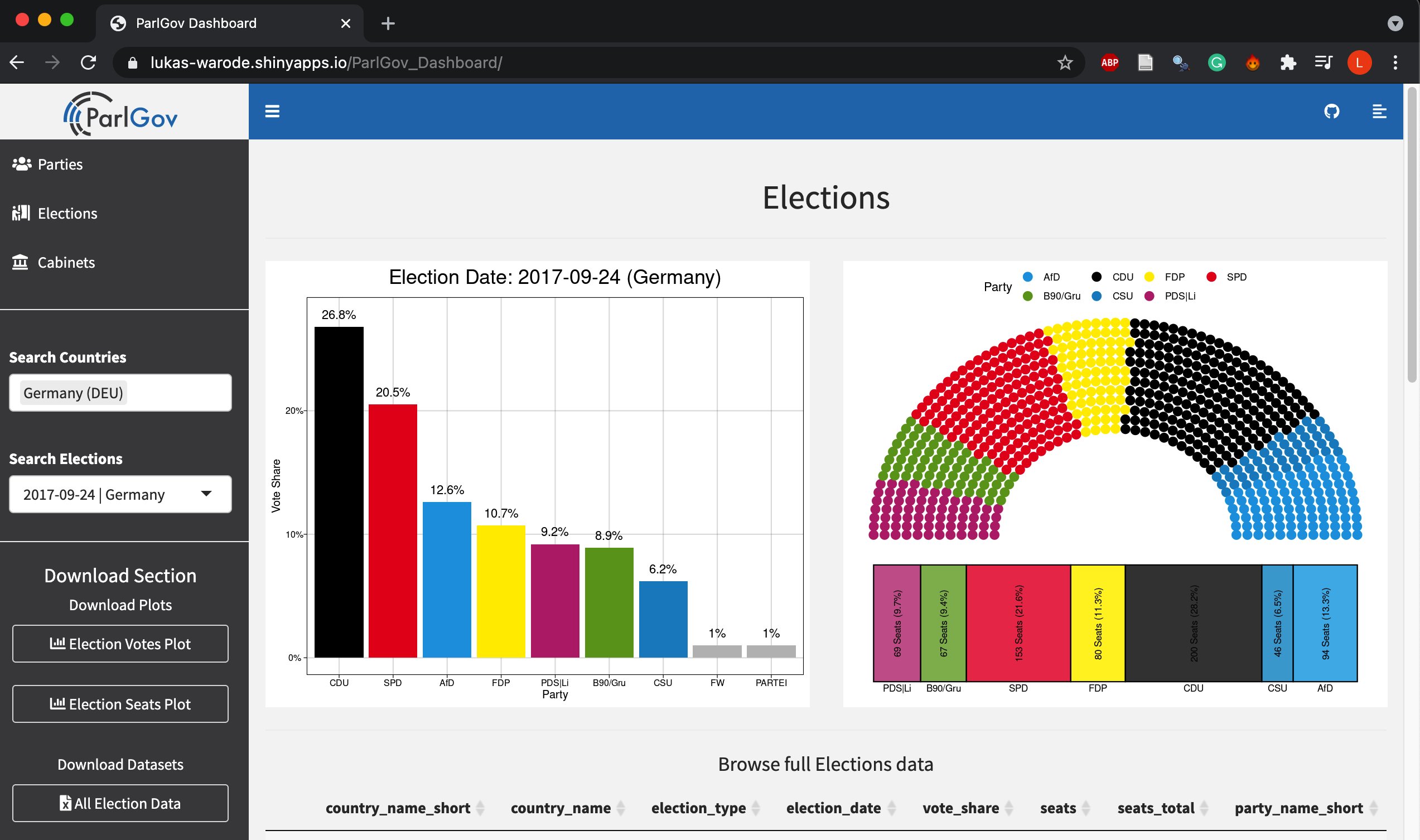
ParlGov Dashboard - R Shiny dashboard with data from ParlGov and party colors from
partycoloR